
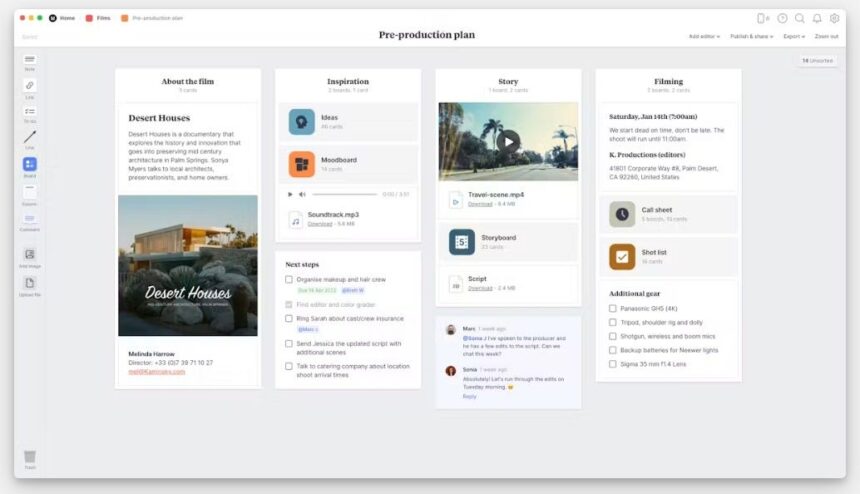
Because I work primarily on micro-budget productions, I am always on the lookout for tools that help me work efficiently without straining my budget. For every project I’m developing, I put together a moodboard/idea board to store all my concepts, information, inspiration, and any other helpful tidbits that will guide me on my journey to get a film made. I used to open a file in Photoshop and paste images, text blocks, and other elements into it. A friend of mine suggested I use Milanote, so I decided to give it a try.
Before I dive into the features Milanote offers, I want to say that this software isn’t something I would ever have thought to use for filmmaking; however, now that I’m using it, I can’t imagine not having it in my toolbelt. Currently, I’m utilizing it for various projects and needs. I’m using it to develop my new micro-budget feature, so I put ideas, examples, inspiration, notes, contact information, and anything else that comes to mind all on the board and share it with my collaborators. I am also working on a podcast, so I use it to keep track of the movies we plan to discuss and to list facts and trivia about each film for easy access later. Basically, I’m using it as a swipe file to save all my ideas and anything else I may want to return to. Let’s get into Milanote!
Features on top of features, oh my!
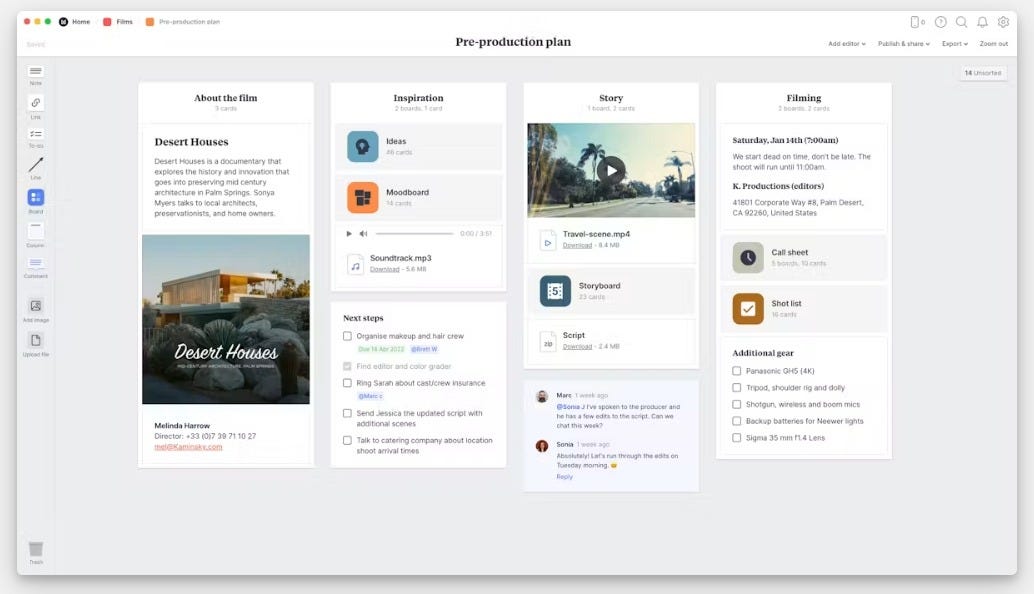
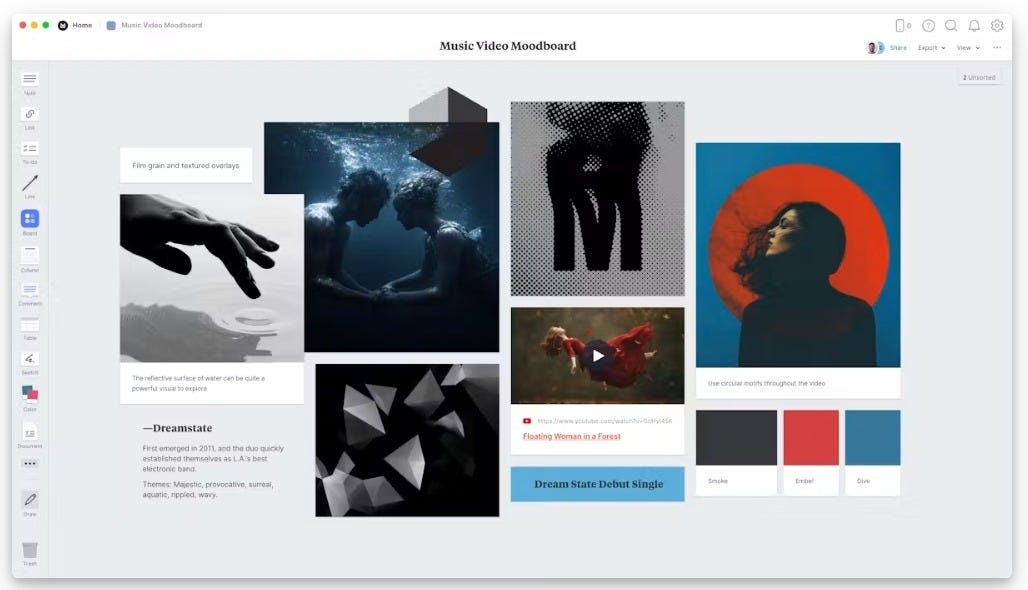
Milanote’s central feature is its VISUAL BOARD/INFINITE CANVAS. It’s an open workspace that lets users add images, notes, links, videos, tasks, and even other boards. It’s like a bulletin board that never ends. I find the software extremely intuitive. I’m one of those people who cover my office walls with sticky notes, so being able to open my phone and dump my ideas right into Milanote before I forget them feels similar to my sticky-note addiction.
A specific feature I love is that you can nest boards inside one another, so a board can function like a project folder, allowing you to open different visual workspaces within each other. You could create a structure like this:
Main Project Board for Film #1
-
Script Development
-
Locations
-
Casting
-
Production Design
-
Shot List
-
Marketing
-
Festival Strategy
-
Distribution Plan
Each offshoot becomes its own board so that you don’t have to have everything on one enormous board. I’ve gotten so used to using Milanote that I’m using it to plan out my courses and movie marathons for the University Film Club.
Another great feature in Milanote is NOTES. The notes are basically index cards that can contain text, images, links, and more. It’s great for fast visual note-taking, jotting down ideas, and pasting links so you don’t forget them. When combined with images you upload or clips from Milanote’s webclipper, it becomes an online notebook or scrapbook.
Keep it organized!
For anyone who likes their boards or notes to look organized, you can use COLUMNS that allow you to impose more structure on your boards so that they don’t look so messy. This is a cool feature if you’re designing a mood board, but I personally don’t use this feature. I’m completely fine with the mess I create on my boards.
Besides my sticky note addiction, I also have an addiction to lists and to-do lists. I absolutely love them! Thankfully, Milanote has a to-do list feature with checkboxes, so you can cross off tasks as you complete them. It looks like this:
☐ Pull permits for location 1.
☐ Call lawyer.
☐ Send out deal memos.
☐ Camera test.
☐ Look into parking near location 1.
☐ Put out a call for any food allergies.
I love this feature so much I make lists for my lists. I know it’s a simple thing, but being able to keep it on my board, along with all my other ideas and images, is comforting.
Keep everything in one place.
Read more