


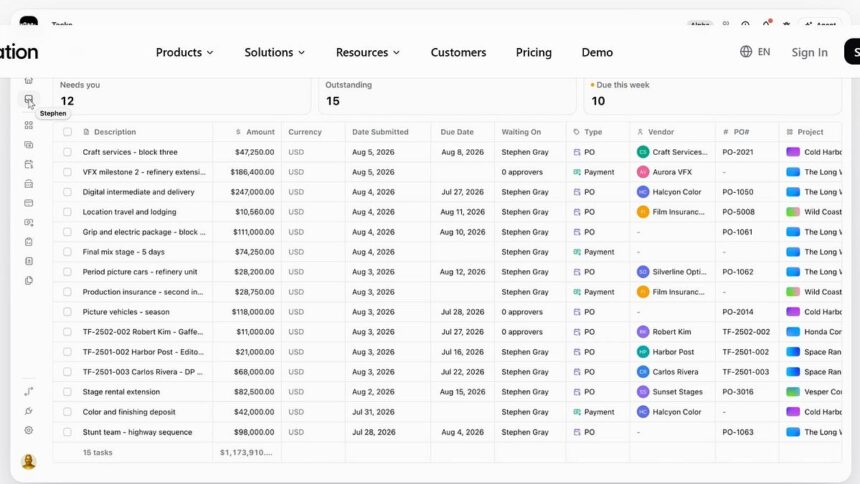
Since joining the Substack community, I’ve been talking about production software. I even did a Should We Use It for Shamel Studio, a software package that handles breakdowns, scheduling, budgeting, and call sheets. However, it looks like I’m not done ranting about budgeting software because I’m excited to get into Saturation. Saturation is film budgeting and expense tracking software that not only helps you budget your film but also tracks your money in real time. It’s a powerful tool that has an on-set workflow that’s hard to beat. Let’s get into it!
Above-the-line, below-the-line, and more!
Like most other budgeting software, Saturation allows you to build a budget from the ground up or using a template, creating detailed accounts for above-the-line and below-the-line, as well as departments, subaccounts, and many other expenses. It has templates for short films, feature films, documentaries, commercials, and more. If you’ve worked with budgeting software, you’ll know these features are pretty standard, and that’s a good thing. I don’t want to have to relearn anything when I’m working with my budgets. I want it to be easy and to save me as much time as possible. Saturation doesn’t reinvent the wheel in the way a film budget works, but it definitely makes it easy.
In addition to standard features, you can nest accounts and organize complex budgets with multiple layers and subaccounts. This helps create clarity and track expenses. It gives users more control and different departments more accountability for accounts within the budget. It also has a strong global feature and variables that can update multiple line items at once. If you’re not familiar with budget globals, they are reusable variables or values, such as day rates, shoot days, prep days, and more. If you assign a global to a shoot day, then you decide to change from 18 to 24 days, every line item referencing that assigned global will update automatically across the entire budget. This saves you the time and effort of changing the numbers line by line. It’s a little work up front that saves you a ton of time as your budget shifts during pre-production and production. Line-item calculations help determine costs using quantities, rates, and multipliers; if you assign globals, these will change with the assigned globals.
Fringes and unions! Fringes and unions!
Sorry about my overzealous heading, but I get excited when software reduces the work I have to do. Saturation has union rate references for SAG-AFTRA, WGA, IATSE, and more built in. It also quickly calculates fringes for payroll taxes, insurance, benefits, and other expenses. It even has a handy overtime calculator. If tax credits are part of your budget, Saturation lets you incorporate your production incentive into your budget planning. These are some of the most stressful parts of a budget, so having tools to track, manage, and calculate them easily is very valuable for a producer like me, who does most of the work myself.
If you’re working out of the country, then Saturation allows you to prepare currency-specific calculations into your budget. The tags and filtering features are extremely useful to quickly find things that may be hidden beneath layer upon layer of line items.
Planning for different scenarios.
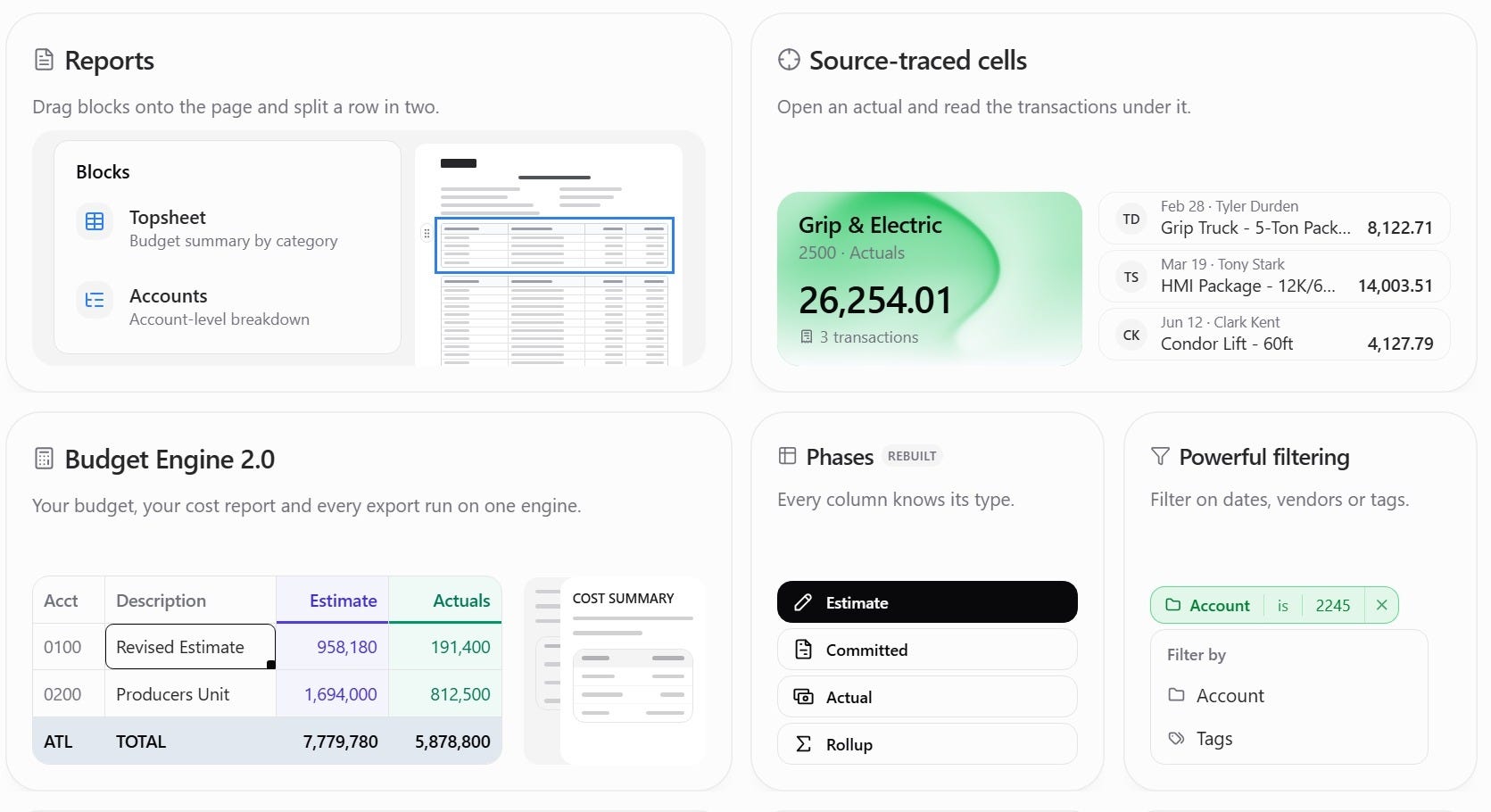
Saturation allows you to maintain and use multiple budget phases. You can have working budgets, revised budgets, and committed budgets. This allows you to look back at day one and compare it to where you are during production. You can also build scenario-specific budgets so you can compare production plans without rebuilding your entire budget. This is extremely helpful when you’re trying to figure out differences in expenses for different scenarios.
You can also explore location comparisons and examine the financial differences between shooting in different cities or states. This is extremely helpful for producers trying to stretch a dollar. On top of all these comparisons, you can also compare different schedules and figure out how changing the number of shooting days affects spending.
Once you’ve gotten to a good place, you can lock the different phases of your budgets, allowing you to preserve approved estimates or spending. Once you’re finished, you can also compare all the different versions of budgets and review the changes between each version.
Collaborate in real time!
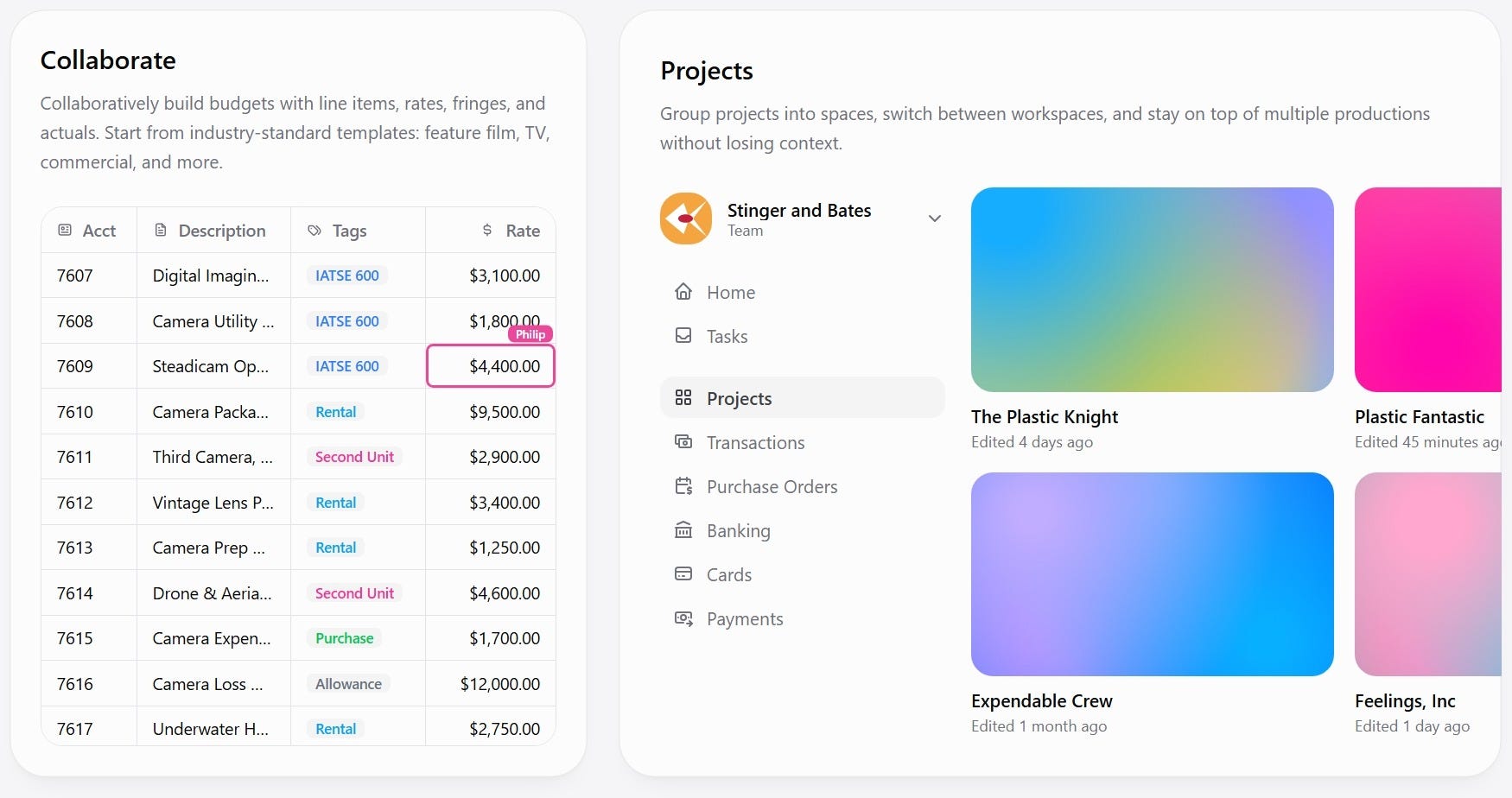
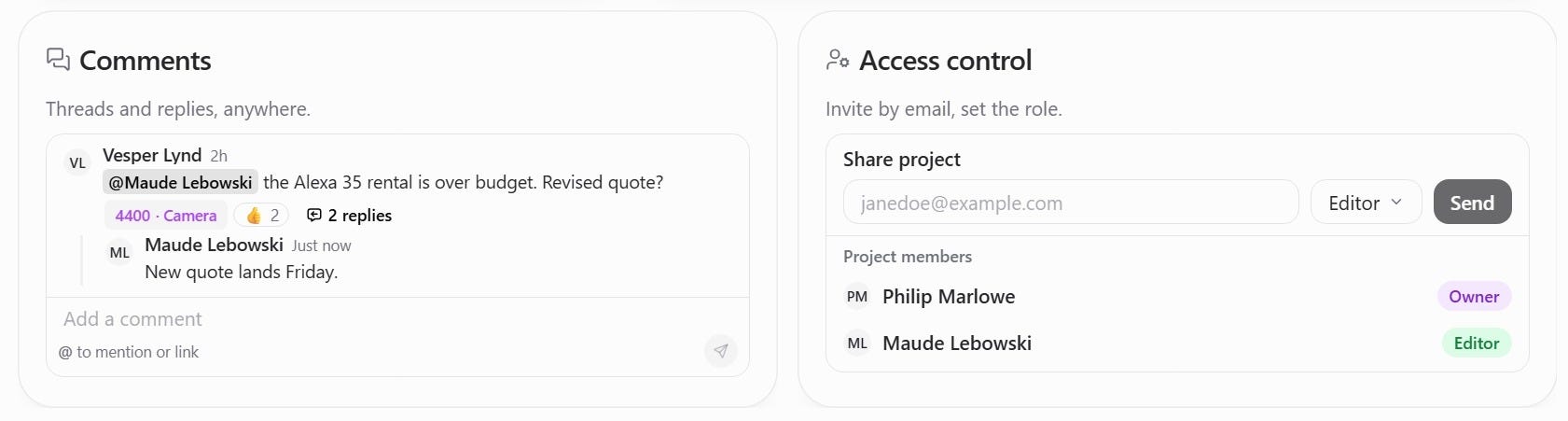
Where Saturation really shines is its collaboration tools. It allows teams to collaborate on budgets in a shared cloud workspace. Some of the collaborative features include:
-
Simultaneous budget editing by multiple authorized users.
-
Live updates without having to share files via email.
-
Role-based access and permissions.
-
Department-specific budget views.
-
Shared links for financial information presentations.
-
View-only commenting access.
-
Multiple projects organized into workspaces and folders.
-
Centralized financial information accessible to authorized team members.
With features like these, a producer can grant a department head access, then provide the executive producer with an overall budget summary. If I’m using traditional production software on set, I have to jump through hoops to share information, but with Saturation it’s easy to include anyone who needs to be included. With all the real-time features, producers can track expenses like never before.
Actualization?
In Saturation, actualization records how much a production spends relative to its original budget. Check out these actualization features:
-
Recording the actual expenses against budget accounts.
-
Compare estimates with actual spending.
-
Monitor remaining funds.
-
Categorize and tag transactions.
-
Import transactions.
-
Identify overspending and cost problems.
-
Track expenses throughout prep, shooting, and post.
-
Reduce manual reconciliation between budgets and records.
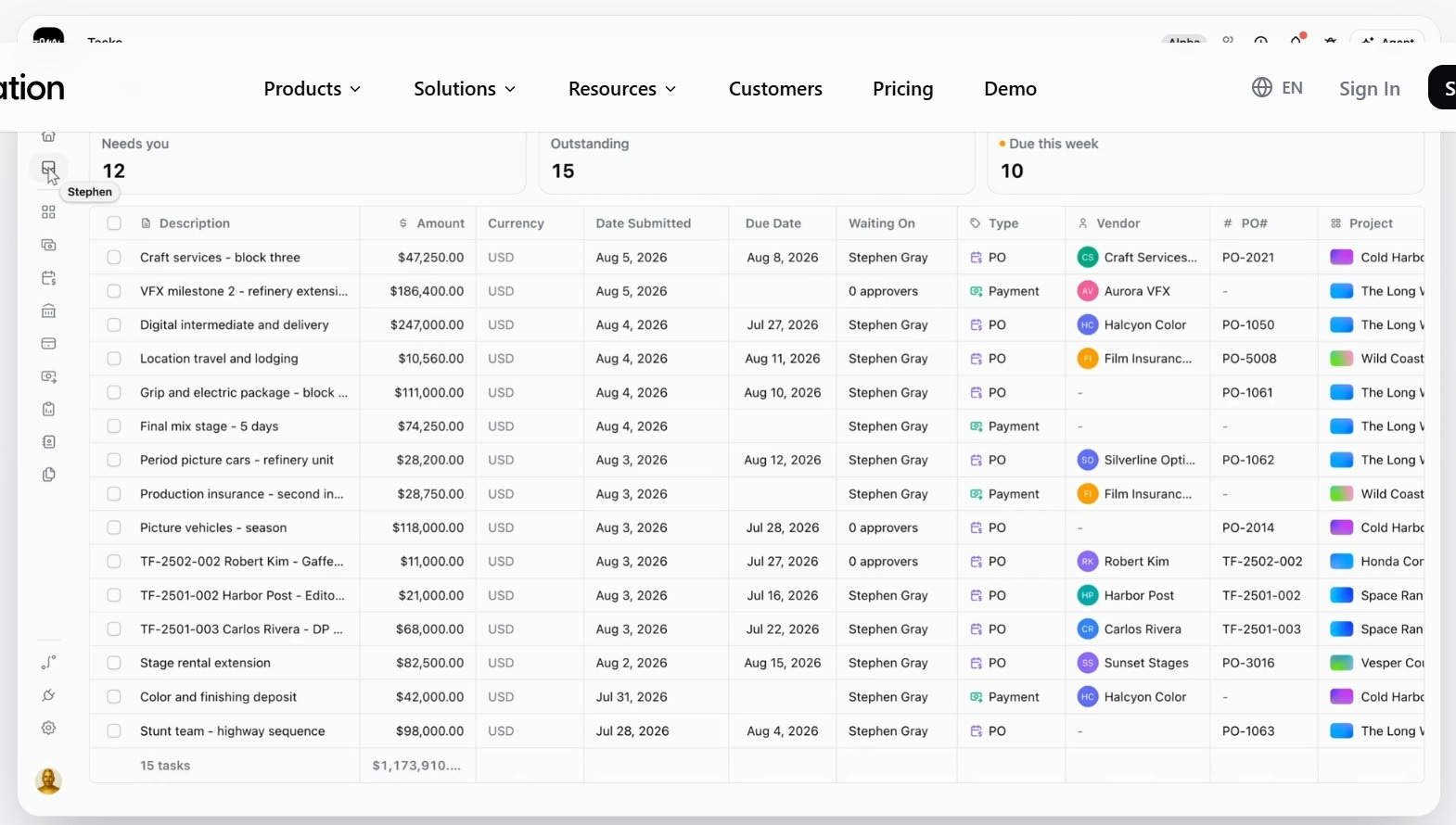
Being able to track and compare these expenses in real time is a game-changer for any producer. These features alone are reason enough to use Saturation on set, but there’s even more to love when it comes to payments and financial management. That’s right, you can manage your payments through Saturation and keep track of everything as money moves in and out of the production. You can manage bill payments, invoices, vendor onboarding, and more.
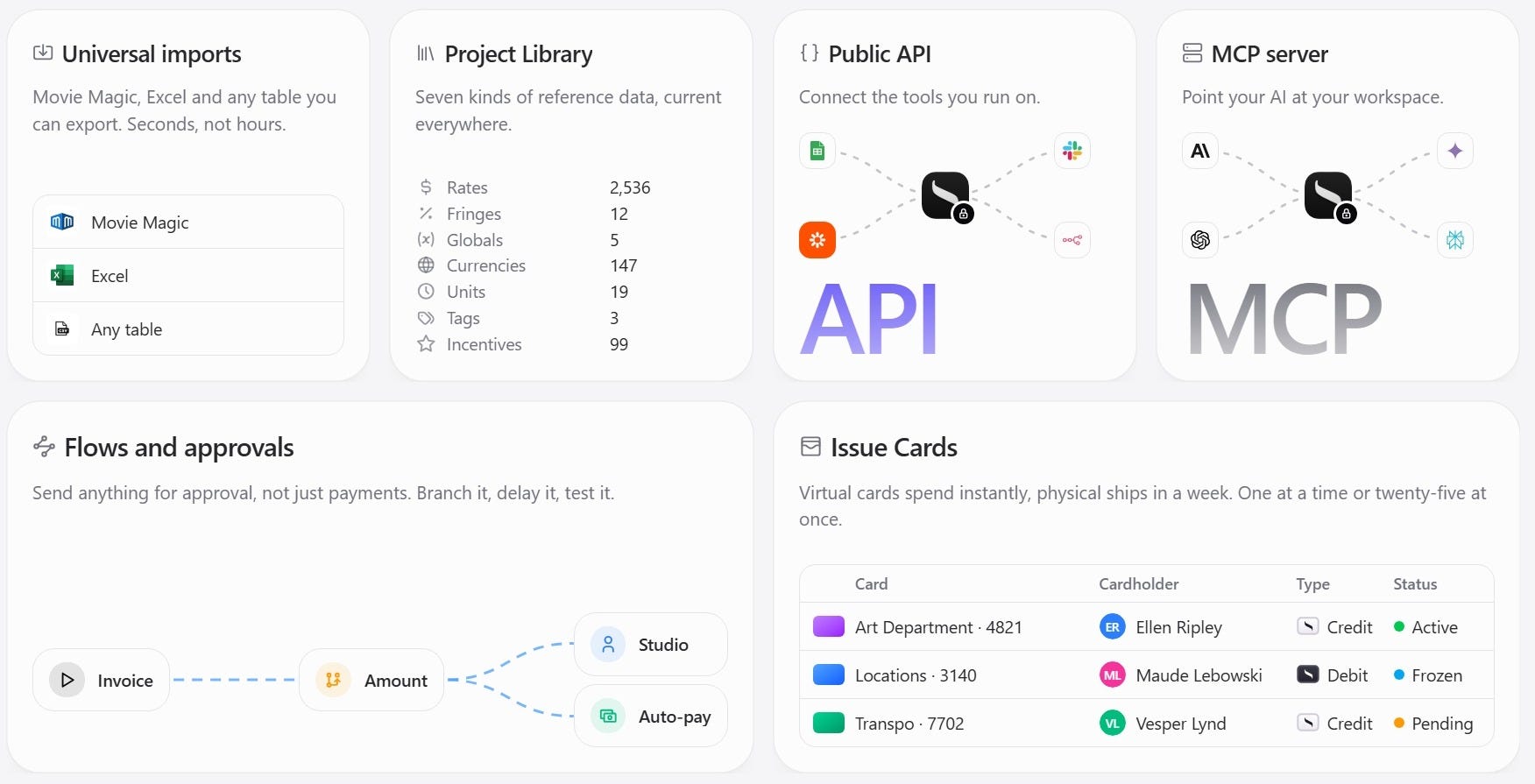
One of my favorite features is the ability to scan receipts and attach them to the correct accounts with ease. Saturation also has an available app that you can install on your phone called Saturation Wallet that allows you to scan your receipts, assign it to an account, sync to your bank, and track spending in real time. If you send a runner to pick something up, you can add that expense, along with the receipt, to the budget as you make purchases. This eliminates the need to sift through piles of receipts and expense reports just to keep track of daily spending. There’s also an API that allows you to connect to Slack, Sheets, QuickBooks, and more so that everything you need for production is available in one place. Saturation makes it easy to export budget top sheets, detailed budgets, cost reports and summaries, estimates, invoices, transaction reports, and more.
The platform is pretty affordable as well. There’s a free account that allows you to have 1 active project, 1,000 account items, 2GB of storage, budgeting and actualizing, and templates. The pro account is $32/month and has unlimited projects, 10,000 budget items, 10GB storage, QuickBooks and Slack integrations, Saturation Pay (expense management), viewers and commenters, and cost report and tracking. Finally, the team account is $79/month and has 2 seats, 100,000 account items, 100GB storage, project and workspace collaboration, purchase and order management, additional seats at $336/seat/yr, role-based approval routing, priority support, and onboarding assistance. Not bad for all you get. Personally, I’ll be using the Saturation team and pro plans (depending on the size of the production) on every film I make from this point forward.
The judgment.
If you’re an on-set producer, I don’t think there’s a better budgeting tool than Saturation. In my opinion, everyone managing an on-set budget should be using Saturation. If you’re not working on set, then you may not need all the features Saturation offers.
Pros
-
It’s a cloud-based platform, so you can use it anywhere without installing anything on your laptop or device.
-
Its real-time collaboration is unmatched.
-
It’s user-friendly and easy to learn for anyone familiar with movie budgeting.
-
The ability to scan receipts and see your spending in real time is game-changing.
Cons
-
It’s not a complete production management solution. This means you can’t budget, schedule, or create call sheets. Its focus is 100% on budgeting and expense tracking.
What else is like it out there?
I’m not aware of any software that works in real time like Saturation, but below is a list of software for creating budgets, along with other production management components such as scheduling and call sheets.
-
Shamel Studio is a fantastic production management tool that helps you manage your budgets, schedules, and call sheets while reducing your workload.
-
Movie Magic is the industry standard, but in my opinion, it is clunky and less intuitive than other software on the market.
-
Jungle Software is a solid alternative similar to the software listed above.
Again, if you’re looking for a complete production management package, the three listed above are options. I use Shamel Studio for most of my production management, but on set I use Saturation because it makes my job less stressful. Because I can scan receipts directly into the software and assign them to the correct account within the budget, I’m able to track spending in real time, which gives me a clearer picture of production spending for each shoot day. This also makes it easier to build out reports and answer questions for tax credit audits. Being able to set user permissions and assign department heads with different approval levels helps me know exactly who is spending what and why, so that I don’t have to spend as much time tracking people down and asking questions. Overall, I’ve never worked with any software that provided as much real-time information to me during production. Saturation is my first line of defense against overspending, and on my micro-budget productions, that kind of control over my budget is invaluable.